
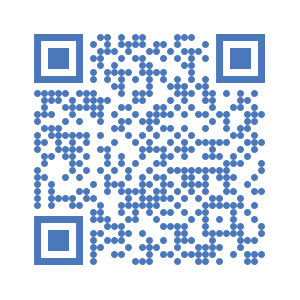
Download the Digital Job Card mobile app QR code

Instructions

  1. Scan the QR Code or click on Download to Install the Digital Job Card on your Android device.
  2. Click on to open settings on the top left corner.
  3. Enter the server URL https://kc.unitac-hamburg.com and your username and password
  4. Open "Get My Jobs" and select this project.
  5. Open "Start a New Job Card"
📥 DOWNLOAD